
Starter
A professional first website for a new or small business.
£400
one-offNo VAT added
Good construction website design shows your finished work before anything else. People planning an extension or a new home want to see jobs like theirs, check you’re insured and send you photos of what they have now. We build fast, mobile-first websites for UK builders with a page for every project you’re proud of, from £400.
These are concept homepages for three fictional firms, not client work. An extension and loft builder sells on finished jobs, a small developer sells plots and a groundworks contractor answers tenders, so each one opens differently. The notes say why.
Your own photos go here, taken from the same spot.
Real Google reviews would appear here, linked to the full profile. None are shown in this concept.
Someone planning an extension wants proof before anything else, so a before-and-after sits beside the headline.
Each project card links to its own case study, with the area and how long it took. One gallery page of mixed photos can’t do that.
Homeowners worry about the unknown. Five stages from survey to sign-off answer “what happens next?” before they have to ask.
Memberships, insurance and guarantee terms only appear if you hold them, each linked to where it can be checked.
Your version uses your own photos, reviews and details. Nothing here is copied from a real business.
We’ll only contact you about this development.
| Plot | Home | Status |
|---|---|---|
| Plot 1 | Three-bed semi | Sold |
| Plot 2 | Three-bed semi | Reserved |
| Plot 3 | Four-bed detached | Available |
| Plot 4 | Four-bed detached | Coming soon |
Kept up to date as plots sell.
Buyers search for new homes in a place, so the hero names the homes, the village and when they’ll be ready.
Nobody gets a quote for a new house. The form asks which plot they like and whether they have a home to sell.
Sold, reserved, available. A buyer can see at a glance what’s left, and a full development stops getting enquiries for sold plots.
Specification, floor plans and warranty details answer the questions a solicitor or mortgage lender will raise anyway.
Your version uses your own photos, reviews and details. Nothing here is copied from a real business.
The buyer here is a builder or developer, not a homeowner. The hero lists the work in their language: foundations, drainage, slabs.
A housing developer wants to see housing jobs. Labelling each project by sector and length lets them find the right proof quickly.
Insurance, health and safety and accreditations are what a buyer asks for on every tender. Downloads save a round of emails.
Company, location and start date tell you straight away whether the job fits your diary and your patch.
Your version uses your own photos, reviews and details. Nothing here is copied from a real business.
A builder’s website is judged on its photos more than its words. These are the parts we’d build in for any firm, whatever the size of the jobs.
Take the “before” and the “after” from the same spot. Side by side, they show your standard better than any description.
One page per job, with the area, the timescale, the stages and the spec. It’s the page a nervous homeowner reads twice.
FMB or TrustMark, if you’re a member, each linked to your listing in their search. Leave out anything you don’t hold.
Say that you carry public liability insurance, and say what your guarantee covers, for how long and who backs it.
Survey, drawings, approvals, build and sign-off, with how you take payments at each stage. It answers the questions people are shy to ask.
For what to show and where on the page, see our guide to website trust signals.
Plenty of builders put every photo on one gallery page. Give each job you’re proud of its own page instead. Someone planning a rear extension in your town can find one just like theirs, and Google can see the work you do and where. This is the layout we’d start from.
Example Extensions & Lofts · Our projects
Single-storey rear extension, Main Town
Before, same spot
After, same spot
The customer’s own words about the job go here, with their permission. Nothing is shown in this concept.
“Single-storey rear extension, Main Town” is what the next customer will search for. Put it in the page title and the heading.
The type of job, the area, how long it took and which approvals it needed. Readers scan for these before they read anything else.
Same angle and height for both photos. It’s the most convincing thing on the page, so it sits near the top.
Three or four progress photos with a line each. They show how you work on site, which is what people worry about most.
Roof, doors, heating, finishes. It helps the next customer picture their own project and gives you words Google can match.
Ask the customer for a line about the job and use it with their permission. Link to your real Google reviews too, and never write one yourself. Google’s review policy applies to every review on your profile.
Two related projects keep people browsing, and the button asks for a quote “for a similar job”, so the enquiry arrives with context.
Project pages fill up a site quickly, so plan the page count. Business has room for 10 pages and Growth for 15. Start with your best five projects and add one after each job you’re proud of.
Homeowners check a builder carefully, because the jobs are big and so is the money. Show what you hold, link it to somewhere it can be checked, and leave out anything you don’t.
The Federation of Master Builders says it checks members’ trading and credit history and proof of insurance, and inspects their work. Link the logo to your listing in its find-a-builder search. The FMB says logo misuse is a criminal offence, so if you’re not a member it stays off the site.
TrustMark calls itself the Government Endorsed Quality Scheme for work in and around the home. If you’re registered, link to your listing in its find-a-tradesperson search. TrustMark reports businesses that falsely claim to be registered to Trading Standards.
Say that you carry public liability insurance, and that you’ll show the certificate before work starts.
Say how long your workmanship guarantee lasts and what it covers. If you offer an insurance-backed guarantee, name the provider and link to the terms.
Explain how you take payments: a deposit, stages tied to the work, and the final payment at sign-off. Clear terms put cautious customers at ease.
Scheme details checked against the FMB and TrustMark websites in October 2026. We build these slots from the documents you send us, and leave a slot out if you don’t hold it.
Builders are found in the map results and through the projects they’ve done nearby. Start with these four, once your project pages are in place.
If customers don’t come to you, Google says to remove your address and set service areas. Use your real business name, because extra keywords in it aren’t allowed. Add project photos as you go.
A project page for an extension in Main Town is real local content. Ten of them across your patch show Google where you work better than any list of towns.
Near-identical pages for every town break Google’s spam policy on doorway pages, which names “pages targeted at specific regions or cities” as an example. Use one areas page, plus your project pages.
Send your review link when the job is signed off. Reviews that mention the job and the town tell the next customer the most.
Our local SEO services work through these every month, from £199/mo. Growth includes local SEO setup with 10 citations. For the do-it-yourself version, read our guide to SEO for tradesmen.

Read the Mobile Detailers project“Clean design and very easy for customers to contact us — exactly what we needed. The site feels fast and gets straight to the point.”
Fixed prices with everything listed. A firm with a handful of projects to show is usually best on Business (£750, up to 10 pages). Growth (£1,200) adds room for 15 pages, the photo-upload quote form, local SEO setup and Enquiry Bot setup. Compare every package in full.
A professional first website for a new or small business.
£400
A fuller site for an established business that wants to win more work online.
£750
For businesses ready to compete harder in local search.
£1,200
An online shop for selling your products directly.
From £1,500

The trades and clinics we build for, and how we help local businesses.
Back to industries
Websites, local SEO and AI enquiry tools for every trade, plus the Trades Starter Kit.
Websites for tradespeople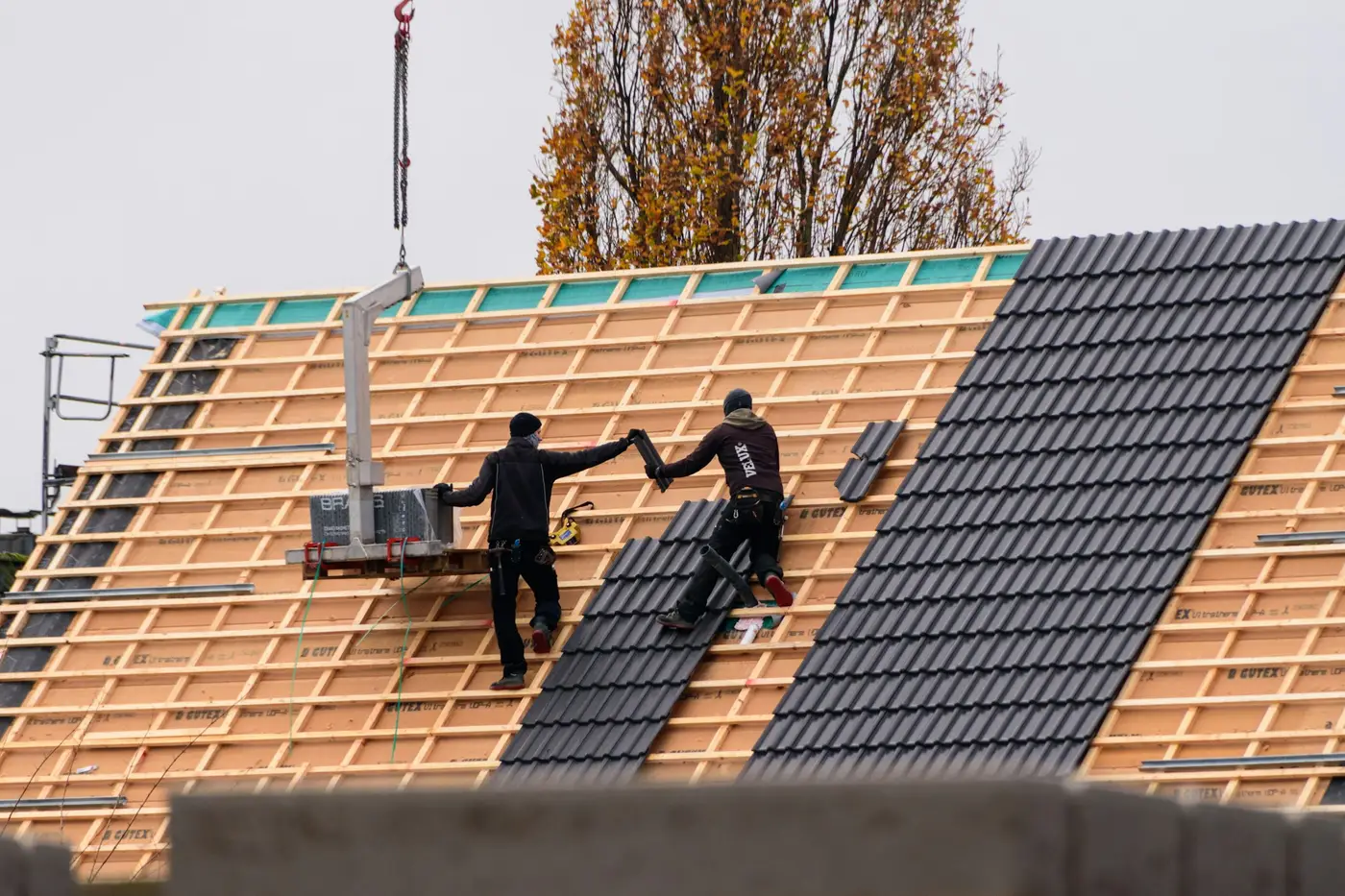
Three concept designs, a page for each roofing job, before-and-after galleries and a quote form that takes photos.
Roofing website designA construction website from us costs £400 for Starter (up to 5 pages), £750 for Business (up to 10) or £1,200 for Growth (up to 15, with a photo-upload quote form and local SEO setup). The Trades Starter Kit, a Business site plus Enquiry Bot setup, is £950. Every price is fixed.
Your phone number on every page, a project gallery with before-and-after photos, a case-study page for your best jobs, the services you offer, the areas you cover, your memberships, insurance and guarantees, and a quote form. Explain how a job runs, from survey to sign-off, so customers know what to expect.
Usually, yes. People who hear your name from a neighbour still look you up before they ring, and a site full of finished projects is what convinces them. It also lets you choose the jobs you show, so you get more enquiries like your best work and fewer like your worst.
Yes, on the Growth package. The quote form takes photos from a phone, so a customer can send the back of the house, the loft or the plot before you visit. You see the access and the size of the job first, and can turn down work that isn’t for you.
Only if you’re a member or registered. The FMB says misusing its logo is a criminal offence, and TrustMark reports false claims to Trading Standards. If you hold either, show the logo near the top of the page and link it to your listing in their search, so customers can check it.
No. Near-identical town pages count as doorway pages under Google’s spam policies. Use one page listing the areas you cover, and let your project pages do the local work: an extension in a named town is real proof that you work there, and it reads as useful to customers.
Starter is usually live in around 2 weeks, Business takes 3–4 weeks and Growth 4–6 weeks, counted from the go-ahead. What slows most builds is photos, so start saving before-and-afters from each job now, taken from the same spot every time.
Tell us the work you want more of, the areas you cover and the projects you’d show first. We’ll recommend a package and a page plan.
Not ready to talk? Free website check – back within 48 hours
The jobs you want more of, the areas you cover, the projects you’d like to show and your current website, if you have one. We’ll reply within one business day.
A real person reviews your notes and comes back within one business day.
We go through what you need, your budget and your deadline, then tell you honestly which option fits.
Scope, milestones and pricing in writing within 48 hours of the call.